
Visualizer & debugging#
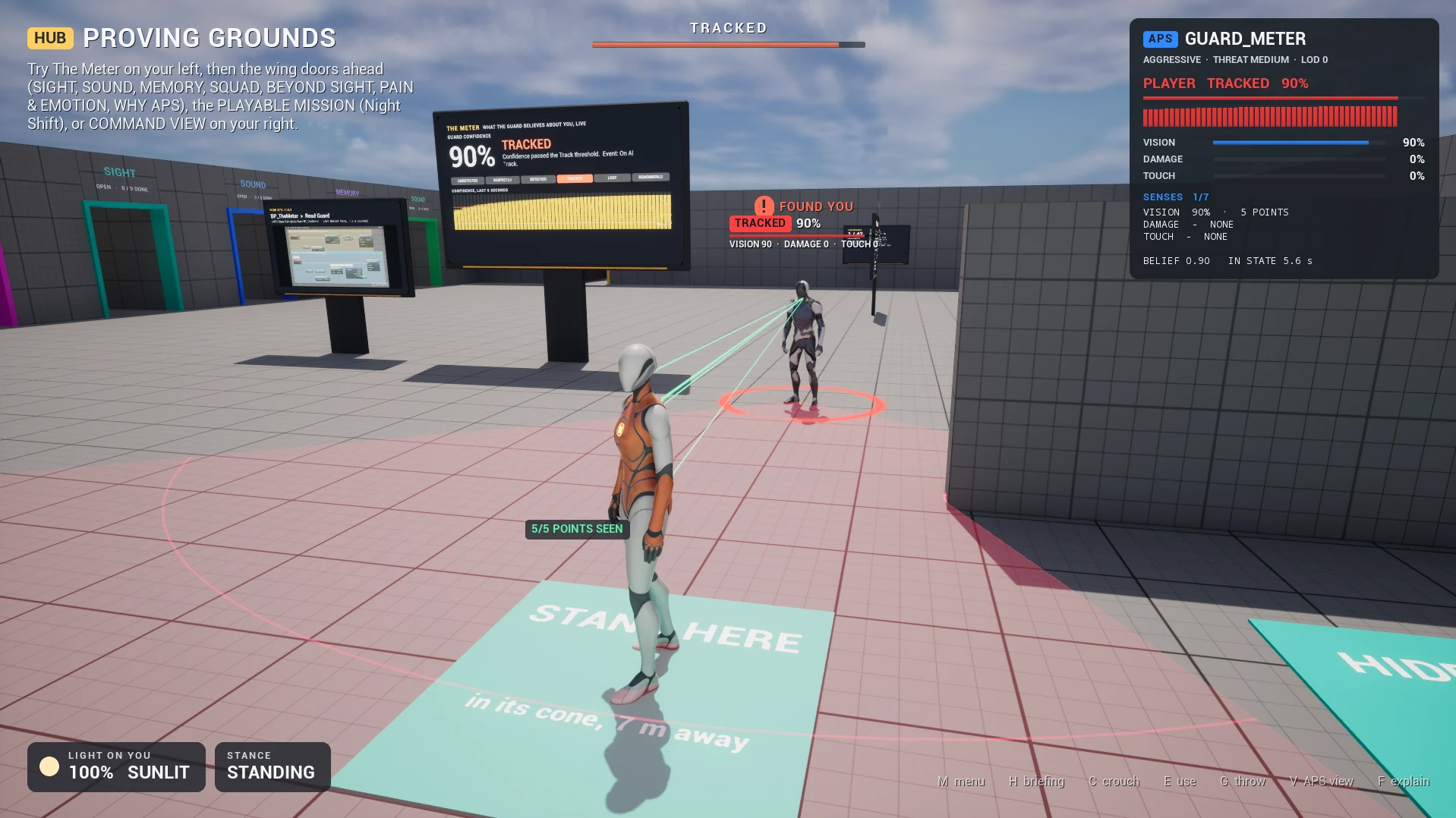
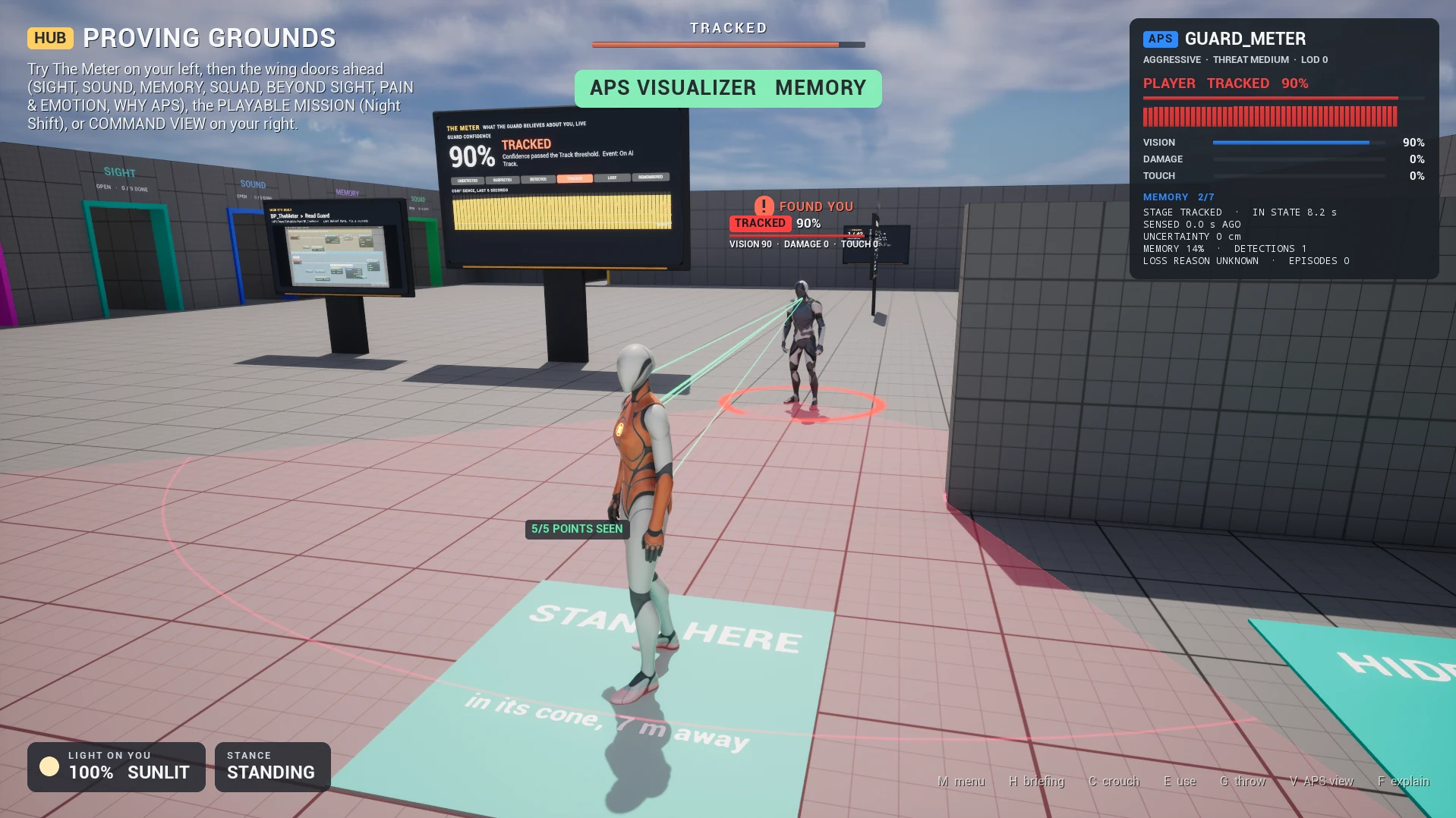
Turn on one tickbox and see what an AI perceives: its cones stopping at walls, the points of you it can see, the sounds it hears, where it thinks you are. Then ask it why, in words.
- Tick
Show Visualizeron an AI's APS Core: you see its cones, the points of you it sees, its state, and a panel of everything it believes. - Explain Perception (Target) answers why can't it see me? in words; Get Sense Blocker gives the reason as a value.
- Start Recording, and later Explain Recorded At tells you what it believed at a moment that has passed.
APS draws nothing by itself. The APS Visualizer is a Blueprint built only from APS's read-only APS › View nodes: open it, restyle it, or build your own view from the same nodes. An AI with its Visualizer off spends nothing on it; one with it on costs about 0.3 ms a frame in the editor, so with many AI show it on the few you are watching.
Turning it on#
Select the APS Core component, then in its Details: APS › View › Show Visualizer. While playing, call Set Show Visualizer.
| Setting (APS Core) | Default | What it does |
|---|---|---|
Show Visualizer | Off | Spawn this AI's Visualizer at Begin Play; it goes when the AI goes. Never on a dedicated server. |
Visualizer Class | BP_APSVisualizer | What to spawn. Make a child Blueprint of /APS/Visualizer/BP_APSVisualizer to restyle it, or use any actor of yours that reads the View nodes. |
Record Heard Sounds | Off | Keep the sounds this AI hears for Get Recent Sounds. On by itself while a Visualizer is shown or On Sound Heard is bound. |
What it shows#
| On screen | What it tells you | Read it with |
|---|---|---|
| View cones on the floor | One fan per cone: focal (or keyhole), the side cones and the rear-motion cone when the profile has them. Each fan stops where sight stops: at a wall, past glass as far as sight gets through, at full range in the open. They warm toward the state's colour as the AI gets surer. | Get Vision Fans |
| Status over its head | Its state about its target, how sure it is, what each sense adds | Get Belief Data, Get Sense Contributions |
| Points on the target | Vision's own sample points, a line from the eye to each, coloured by how much sight reaches it (seen, partly through glass or leaves, blocked), and how many it sees. Only while vision looks the target's way. | Is Looking At, Get Sample Points |
| Heard sounds | A ripple where each sound was made, spreading to the AI; a line to its ear, solid over a clear path and dashed through walls; the sound's name and how loud it arrived | On Sound Heard, Get Recent Sounds |
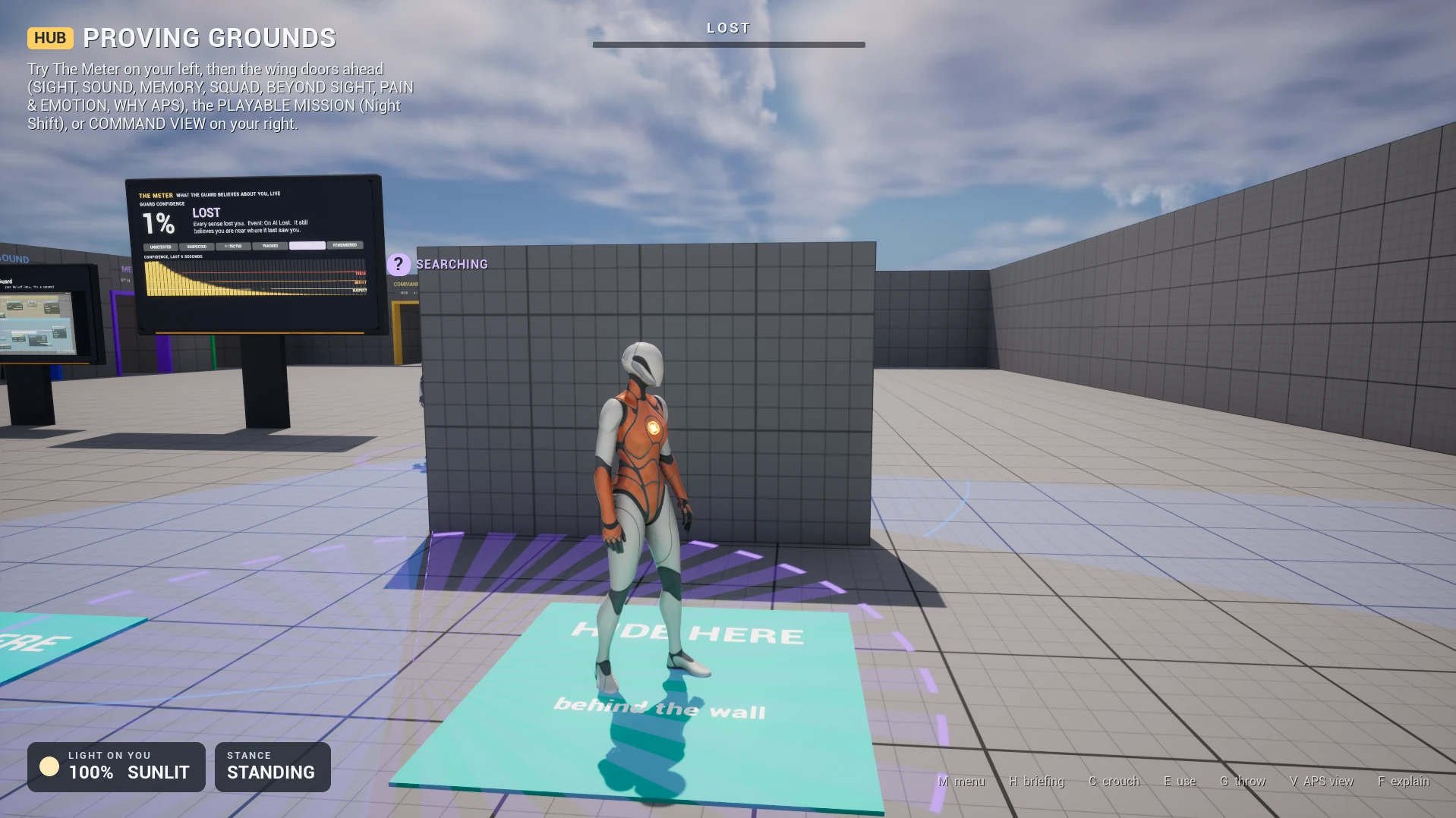
| Last Known Position | After it loses its target: a marker where it last sensed them, a ring that grows with its uncertainty, a line back to the AI, and how it knew (last seen, last heard) | Get Belief Data |
| A place it believes in | Where it thinks a noise with no maker came from | Get Strongest Location Belief |
| Smell's reach | A ring at its Smell range | Get Sense Ranges |
A sense draws only when it is in the profile's Sense Classes: no smell ring means no Smell sense, not a broken Visualizer.
Which AI shows what#
- The AI in focus, the nearest one your camera can see (Get Focus Agent), shows everything and the screen panel. Every other AI shows an outline: cones and status.
- An AI the camera can't see keeps its cones but hides its labels, which would otherwise show through walls.
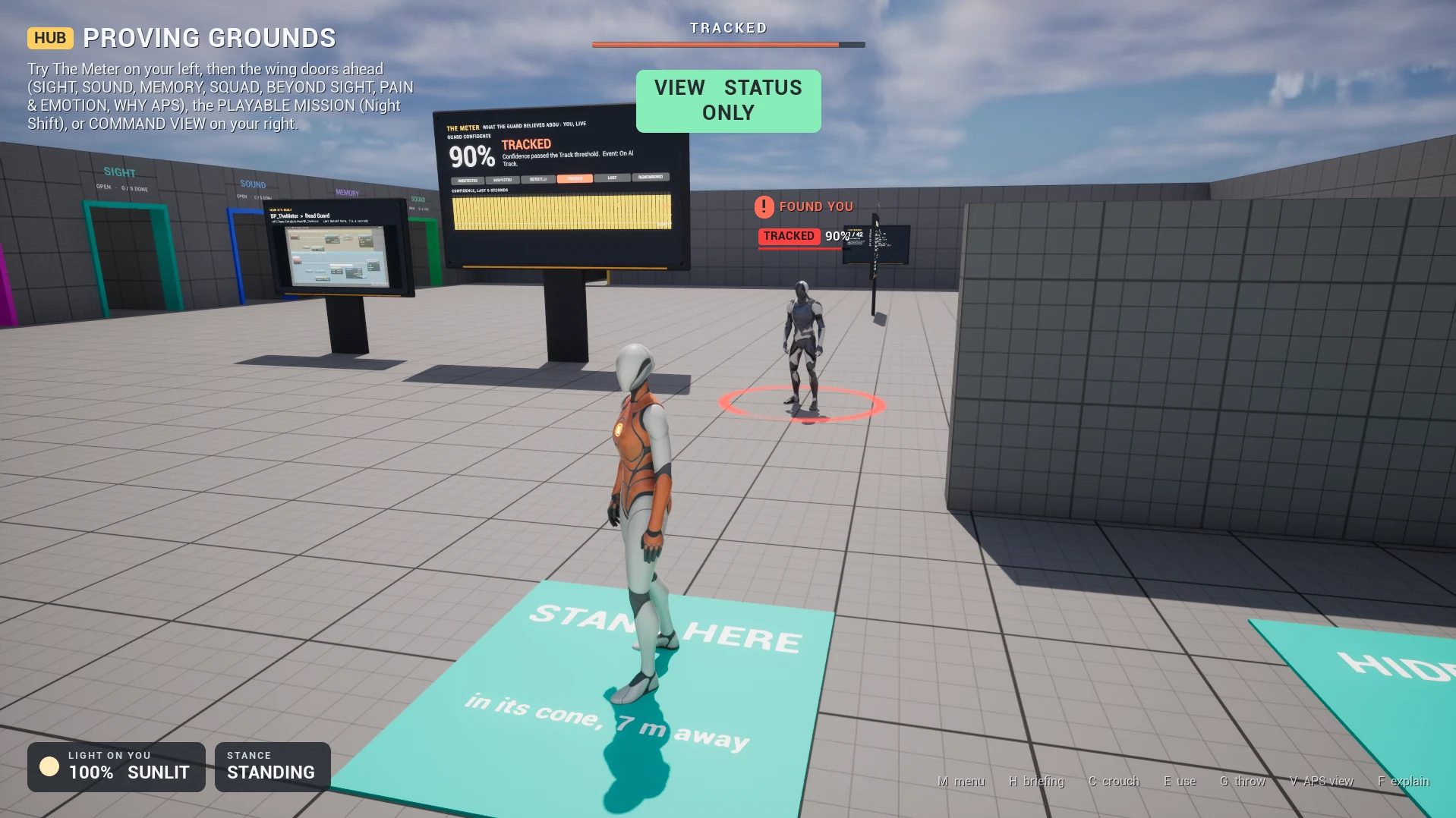
On the Visualizer actor (its Details, or your child Blueprint): Detail Override (0 automatic, the rule above; 1 always full, labels too; 2 outline; 3 hidden) and Show Panel (turn it off when your game has its own panel).
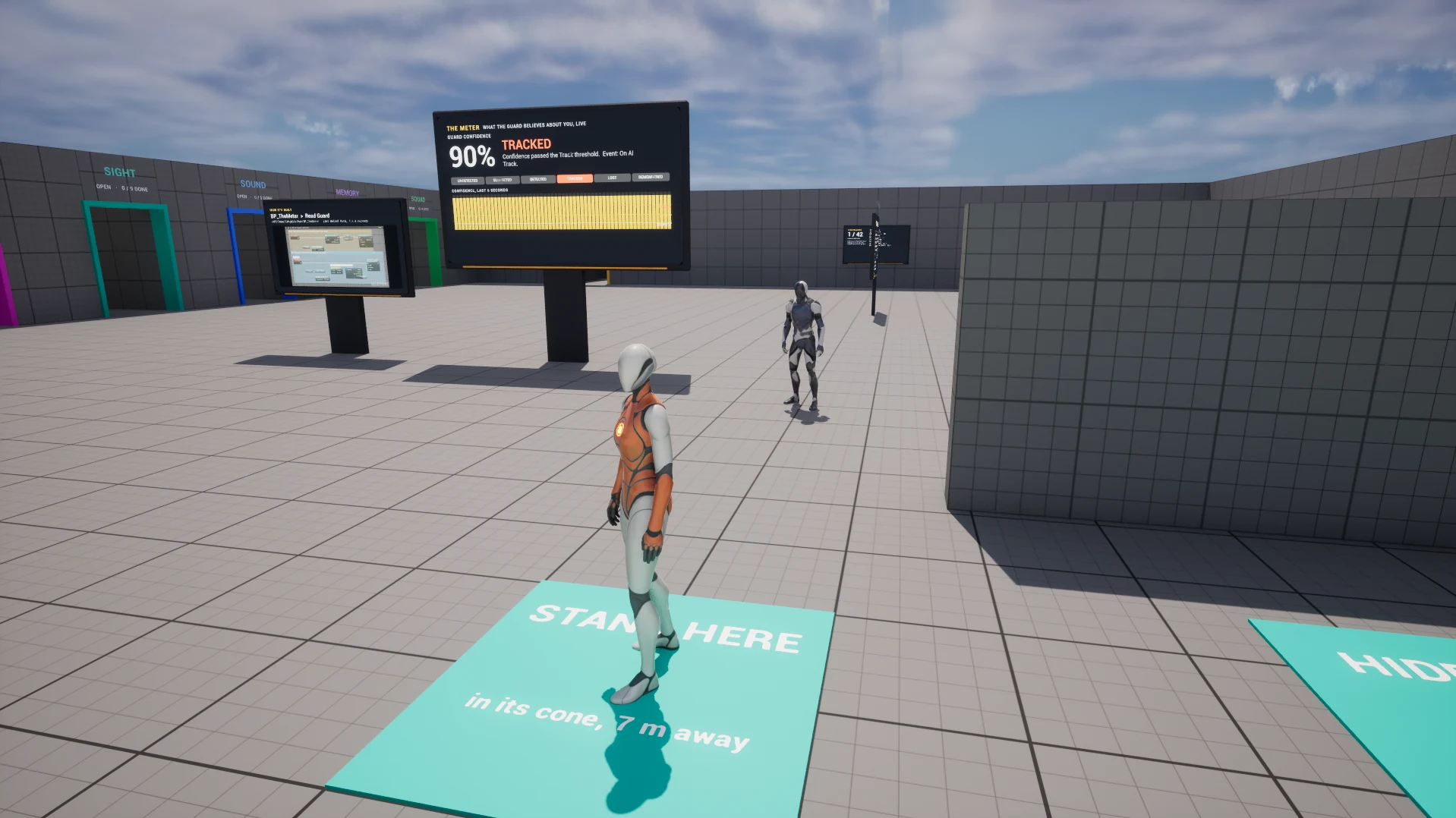
For every AI at once, the console variable aps.Visualizer (or Set Visualizer Mode): 0 nothing, 1 everything (the default), 2 status only.
The screen panel#
Top right, for the AI in focus. Seven pages: switch with aps.VisualizerPage N, or bind a key to Set Visualizer Page (Get Visualizer Page + 1).
| Page | Shows |
|---|---|
| 0 Senses | What each sense reports about the target, or why it reports nothing, and the belief. Start here for every detection problem. |
| 1 Memory | How long ago it sensed the target, how sure it still is, why it lost them |
| 2 Brain | Threat, how it knows (the stimulus), relationship, damage, mood, combat role |
| 3 Squad | Its squad, the members, ranges and roles (the Squad State Report) |
| 4 Events | Every APS event this AI fired lately, newest first: is my Blueprint not bound, or did the event never fire? |
| 5 Player Model | What it has learned about the player (Get Player Behavior Model) |
| 6 Environment | Light, rain, wind and time of day as this AI gets them, its LOD tier and its pain |
Why can't it see me?#
Explain Perception (Target) on the APS Core returns a short report: how sure it is, then each sense, active with its confidence or silent with the reason. Print it from a debug key and you have an answer in one keypress.
Print String (Explain Perception (Get Player Character))APS: 'BP_Player_C_0' Detected, 42% sure
Vision active 61%
Hearing silent nothing to senseThe first line is its state about the target and how sure it is. A silent sense says why: out of range, outside every cone, occluded, or nothing to sense (in reach, but too faint: distance, darkness, quiet). "No belief record" means the target isn't a candidate at all: out of every sense's range, or not a Pawn and not registered.
Get Sense Blocker (Target, Sense ID) gives one sense's reason as a value:
| Reason | Means |
|---|---|
| None | Nothing is blocking it (in view but too faint counts here: distance, darkness) |
| Out Of Range | Beyond that sense's reach |
| Outside Cone | In range, outside every cone |
| Occluded | Something solid in the way: no point visible |
| Below Min Exposure | Visible, but less of it than Min Exposure to Register |
| Too Few Visible Points | Some points visible, fewer than the stance needs (Min Visible Points Crouched and the others) |
| Target Opted Out | The target's APS Target Component has Visibility Multiplier 0 |
| Suppressed By Pain | Pain dulled this sense to nothing (Emotions & pain) |
| Fairness Reaction Hold | First Spot Reaction Time is still running: on purpose, not a fault (World & fairness) |
| No Context | No belief about that target, or no sense with that ID on this AI |
Only Vision says why it failed; the other senses report None when silent (pain and the reaction hold apply to any sense). Not Evaluated This Tick is in the list but APS 3.0 never reports it: a sense keeps its last answer between its updates.
What did it believe then?#
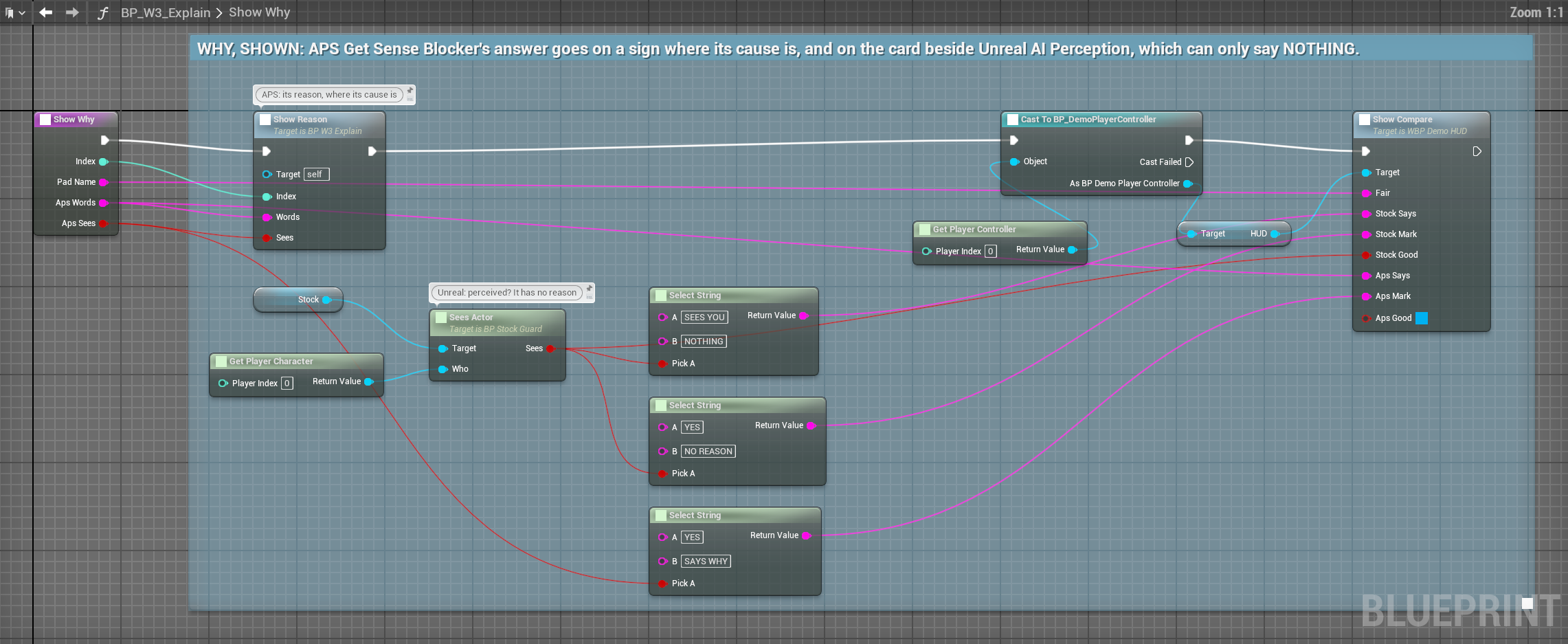
Perception bugs happen in a moment that has passed by the time you notice. A recording keeps a rolling window you can read back:
Start Recording (30)
... later, once something has gone wrong ...
Print String (Explain Recorded At (Suspect, the world time it happened))| Node (APS Core) | What it does |
|---|---|
| Start Recording (Seconds) | Start capturing, keeping the last N seconds. Throws away anything recorded before. |
| Stop Recording | Stop; what was captured stays |
| Is Recording | Whether one is running |
| Get Recorded Frames | Everything captured, oldest first |
| Get Recorded Frames For (Target) | The frames about one target |
| Get Recorded Frame At (Target, World Seconds) | The frame nearest that moment; false when there is none |
| Explain Recorded At (Target, World Seconds) | That frame, in words |
| Clear Recording | Discard what was captured |
Each perception update, a frame is kept for every actor it believes in (not places, not things, not Expired beliefs):
| Field | Meaning |
|---|---|
Time Seconds | World time it was captured |
Target | Who it was about (may have been destroyed since) |
Confidence | As acted on, after smoothing |
Raw Confidence | As the senses reported it, before smoothing |
State | Its state then |
Awareness | The AI's overall awareness then |
Last Known Position | Where it believed the target was |
Time Since Last Sensed | Seconds since any sense had it |
Active Sense Count | In APS 3.0, how many senses the AI runs, not how many were reporting; Explain Recorded At prints it as "senses contributing" |
Confidence against Raw Confidence is often the whole answer: a large gap means smoothing is holding a belief the senses have already let go of.
Recording is off until you start it. While on it costs one small frame per believed actor per update, and frames older than the window are dropped, so a long session doesn't grow. Make the window cover the time between a problem and you noticing it: 30 s is usually plenty.
Pause, print and tune live#
| Node or setting (APS Core) | What it does |
|---|---|
Pause Perception · Debug Toggle Pause | Stop every sense: nothing new is perceived, and beliefs fade as they would with nothing in view. For watching memory and decay on their own. |
| Debug Print Belief State | Write every belief this AI holds to the Output Log |
| Debug Reset Damage Tracking | Zero the damage counted on every belief (threat and emotion forget it) |
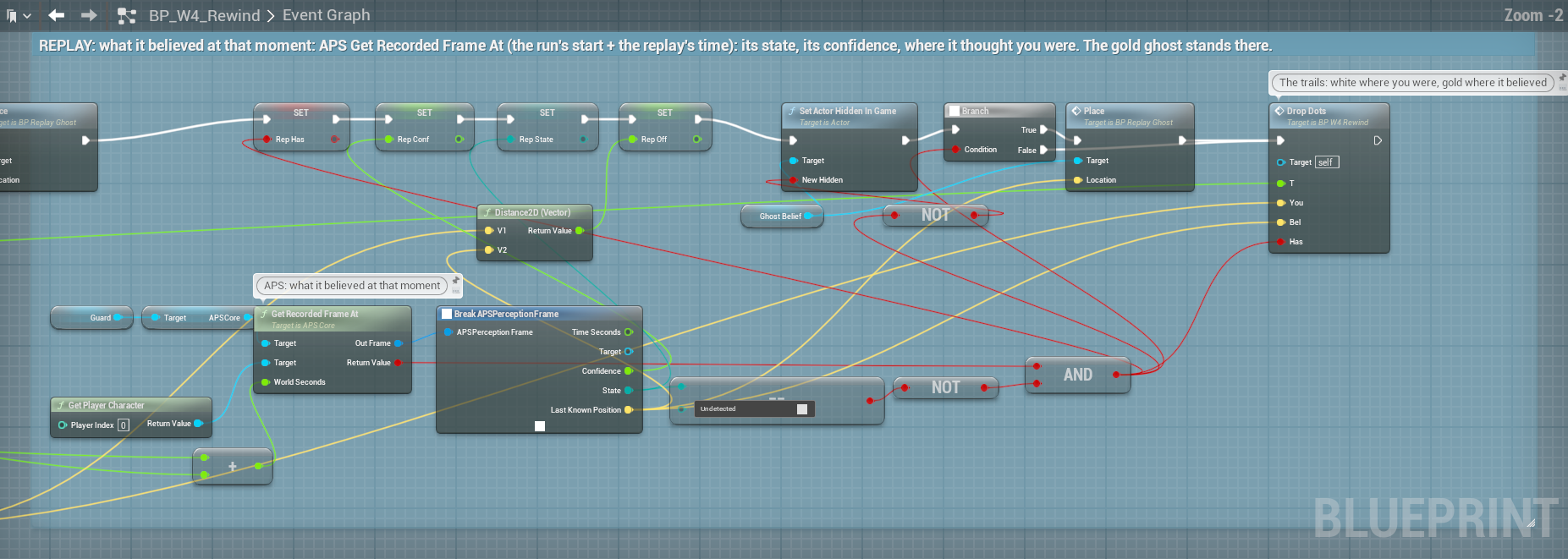
| Set Profile Number (Property, Value), Set Profile Flag | Change one profile value on this AI, now, without touching the asset (Profiles) |
The console command aps.Tune sets a profile value on every running AI at once, without touching the asset: aps.Tune VisionMaxRange 5000. It takes the setting's override name, which is not always its label without spaces: a tickbox keeps its b and takes 1 or 0 (aps.Tune bUsePerTargetLight 1), and some names keep an underscore (ThreatWeight_Confidence). Every setting on the profile reference shows its override name. It logs how many AI took it.
The debug nodes write to the Output Log (LogAdvancedPerception), never to the screen.
Build your own view#
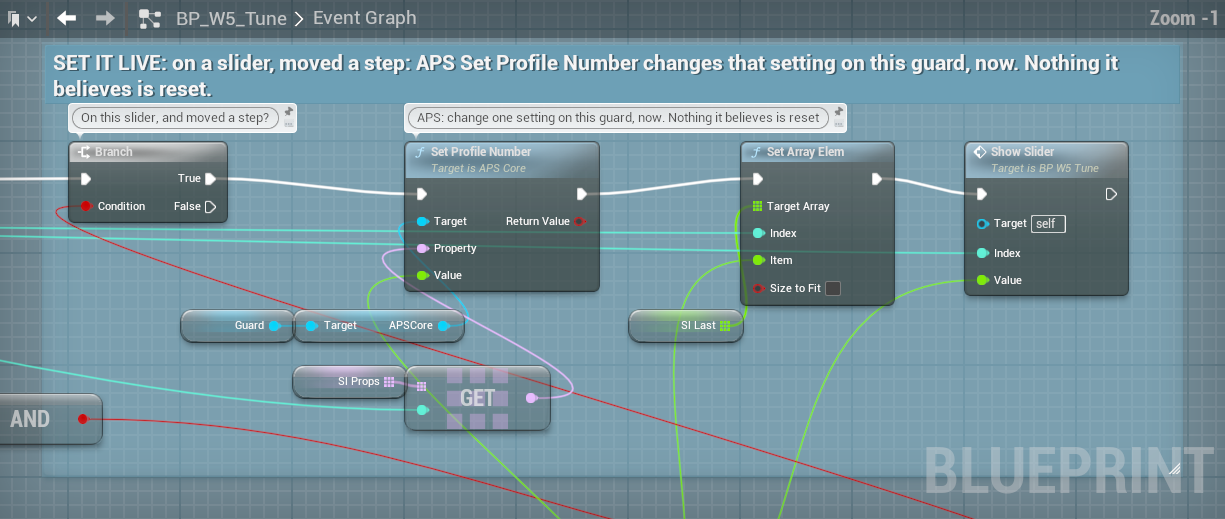
Everything the Visualizer draws comes from these nodes. They only read: calling them changes nothing the AI believes.
On APS Core
| Node | What it gives |
|---|---|
| Get Vision Fans (Clip to Walls, On Floor, Degrees Per Spoke) | Each view cone as a flat fan whose rim stops where sight stops. Re-traced when the eyes move or turn, otherwise about twelve times a second: cheap to call every frame. False with no Vision sense. |
| Is Looking At (Target) | Vision looks the target's way (inside a cone, in range); Why Not: Outside Cone, Out Of Range, or No Context (no Vision sense) |
| Get Sample Points (Target) | Vision's points on the target and how much sight reaches each (Seen, Partly, Blocked): the same points and traces the sense uses |
| On Sound Heard (event) | Every sound it hears, after its filter: where it was made, how loud it was made and arrived, the distance, the walls, whether it had a maker |
| Get Recent Sounds (Max Age Seconds) | The sounds it heard in that many seconds (up to the last 6), oldest first |
| Has Sense (Sense ID), Get Sense IDs | Which senses it runs |
| Get Sense Ranges | How far each sense reaches now, with the environment where it stands applied |
| Get Sound Reach (Sound Type) | How far a sound type carries to this AI now |
| Get View Target | Who a view of this AI is about: the local player while it holds a belief about them, otherwise its surest belief that isn't a friend. Never a thing. |
| Get Eye View Point | Where its eyes are and which way they look, live: draw the real cone, aim a flashlight |
| Get LOD Tier | How much detail APS gives it now: 0 full, higher is cheaper |
| Set Show Visualizer (Show), Get Visualizer | Show or remove its Visualizer now; the Visualizer actor while shown |
Any Blueprint (APS View library)
| Node | What it gives |
|---|---|
| Get Focus Agent (Prefer Visible, Only Visualized) | The AI to show in detail: the nearest one the camera can see, else the nearest |
| Is Agent in Camera View (Agent) | The camera can see this AI: in front, nothing solid between (glass and leaves its profile sees through don't count) |
| Get Feet Location, Get Head Location (Actor) | The floor under an actor; the top of its collision, where a label goes |
| Get All Agents | Every APS Core in the world |
| Get Visualizer Mode, Set Visualizer Mode | The aps.Visualizer switch |
| Get Visualizer Page, Set Visualizer Page | The aps.VisualizerPage switch |
The data they return (View Fan, View Point, Heard Sound, Sense Ranges) is on Types & enums.
Squads#
The APS › Debug › Squad nodes (Trace Squad Share Path first when sharing does nothing) are on Squads & teams.
A debugging routine#
It doesn't see me.
- Senses page: is any sense above 0%? Silent vision says why (out of range, outside the cone, blocked).
- The cones: do they reach you, or stop at a wall first? The points: how many does it see?
- A sense reads a value but the state stays Undetected:
Suspect ThresholdorDetect Thresholdtoo high, orConfidence Rise Ratetoo low.
It spots me from across the map.
- Senses page: which sense? Usually Hearing.
- The heard-sound labels show how loud each sound arrived: check that sound type's
Max RangeandBase Loudness. - Give the AI a sound filter with a higher
Min Alert Level(Hearing).
It sees through walls. The cones stop where sight stops: if a cone runs through your wall, so does vision.
- Add the wall's collision channel to
Vision Occlusion Channels, and check the wall really blocks it. - Check
Surface Vision Transmission: a surface at 1 is fully see-through.
My event never fires. Events page: listed? Then your binding is wrong (or on another component). Not listed? It never happened: back to the Senses page.
Squad sharing does nothing. Trace Squad Share Path names the step that fails.
Before you ship#
Show Visualizeroff on every AI (oraps.Visualizer 0in your shipping settings).- Remove the Print String and report nodes you added to debug.
APS and Unreal's AI Perception#
| Unreal AI Perception | APS | |
|---|---|---|
| Seeing it | The Gameplay Debugger's perception page | The Visualizer: cones clipped to walls, points, sounds, last known position, a seven-page panel |
| Why not | Nothing | A reason per sense, a written report |
| The past | Nothing | A recording, read back by time |
| Your own view | Write it yourself | The View nodes the Visualizer is built from |
| Tuning | Edit and restart | Set Profile Number, aps.Tune: live, nothing reset |